Upload product photos
Choose, drop, or paste 1–10 local product reference photos.
Free AI product photo tool for ecommerce
Upload product photos and create white-background shots, lifestyle scenes, in-use images, close-up details, feature graphics, and listing images—then review and download them as a ZIP.
Your generated images
Choose at least one output to preview your generation plan.
Upload a clear image, choose an output type, and start a generation task. Progress and results will appear here.
Keep your product photos, settings, progress, versions, and downloads together in one task.
Choose, drop, or paste 1–10 local product reference photos.
Pick Product Images or Listing Images, quantities, and an aspect ratio.
Follow live progress, review each result, and download the version you need.
Use individual Product Images or assemble a structured Listing Images story. Product details are shared while output settings remain separate.
Hero image · Key benefits · In-use image · Multiple angles · Detail close-up · Specifications graphic
Size guide · Before & after · Care instructions
Trust & support · Lifestyle scene · Craftsmanship detail · Collection overview
Prepare drafts for Amazon, Etsy, eBay, Walmart Marketplace, TikTok Shop, Shopify, WooCommerce, BigCommerce, or an independent store. Always check the destination's current image and listing rules before publishing. These names describe common workflows, not partnerships or integrations.
Useful output starts with clear and consistent references.
Use a sharp, well-lit photo where the product occupies a useful part of the frame.
Avoid cropping handles, labels, controls, or other important parts.
Avoid strong glare, blur, large obstructions, and distracting foreground objects.
Materials, labels, textures, and controls should be visible in the references.
Use one product or one closely related SKU family in a task.
Choose extra views that reveal a different side, scale, or construction detail.
Explore three Before/After demonstrations generated from original, unbranded synthetic product references. They are not customer work or a promise of a specific result.
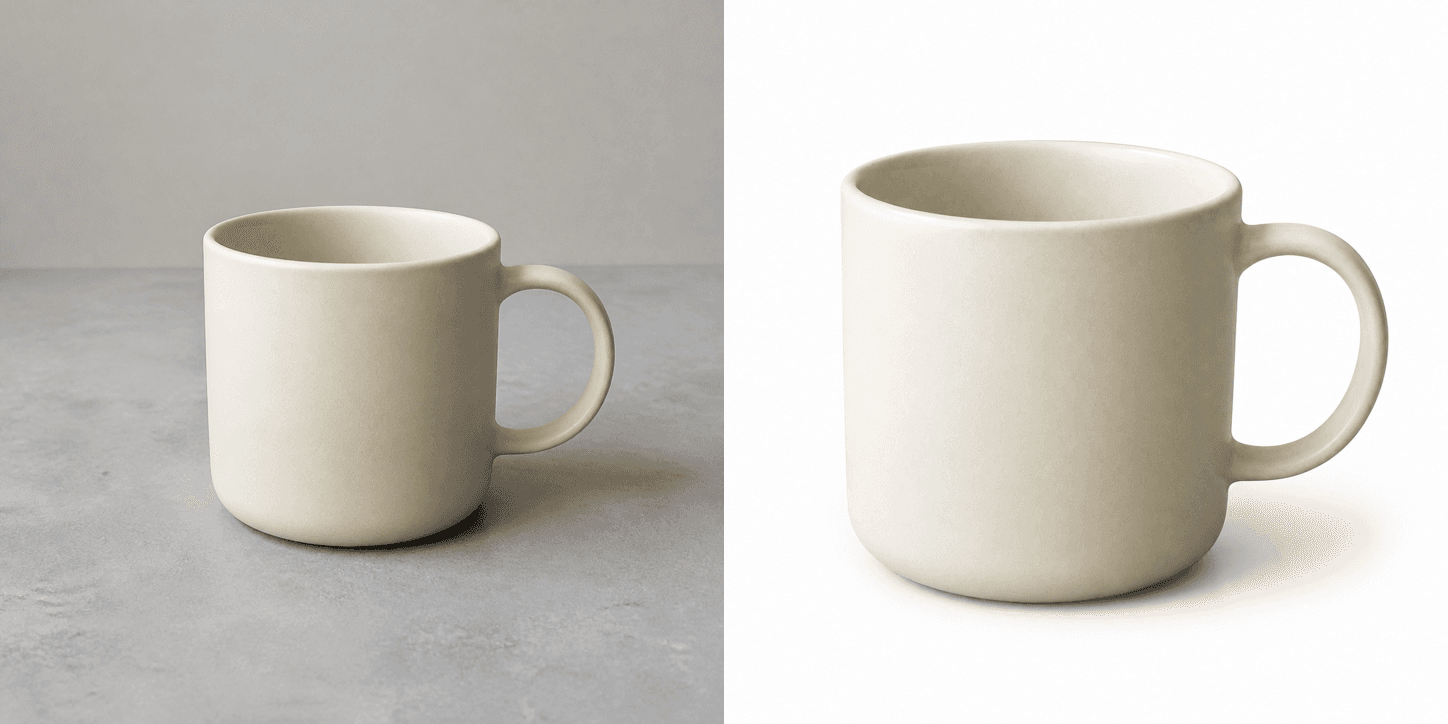
A simple reference photo refined into a clean catalog-ready product view.

The same unbranded serum bottle placed in a bright, editorial beauty setting.
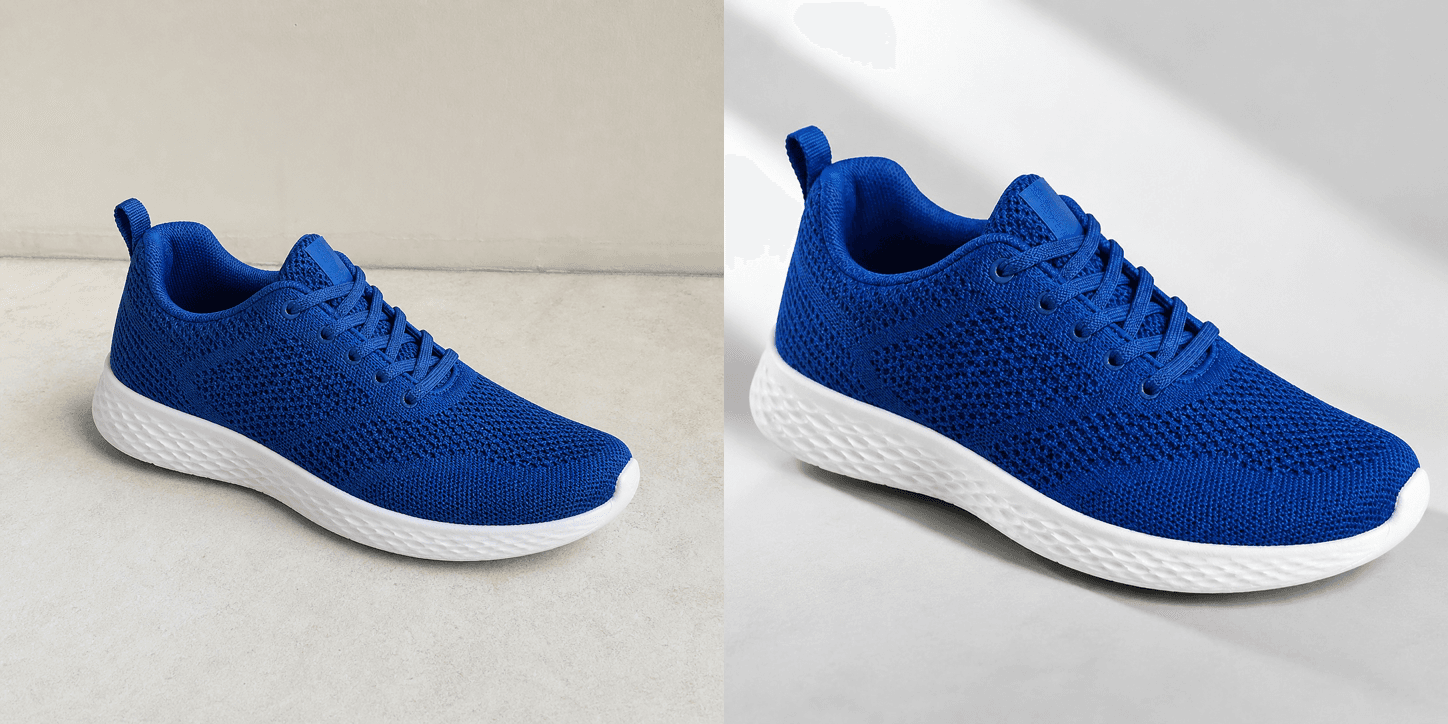
A basic shoe reference elevated into a focused material-and-detail product shot.
Use this tool for short product image tasks. It does not provide permanent or cross-device storage.
Tasks stay with the current browser.
A session can create up to five tasks; an IP can create up to fifteen.
Each task can generate between one and ten images.
Reopen recent tasks from the same browser for up to 24 hours.
Uploaded images, generated files, and identifiable task data remain on this site no longer than 24 hours.
Confirm shape, color, labels, materials, included parts, dimensions, and any visible text against your verified product information.
Confirm current marketplace or storefront rules, disclosures, category requirements, and rights before publishing. Generated output is a draft, not a compliance decision.
The tool is free to use within the daily task limits, and no sign-in is required. Task History is available only in this browser for up to 24 hours.
Choose White background, Lifestyle scene, In-use scene, Close-up detail, Feature highlight, or one of the structured Listing Images modules.
PNG, JPG, JPEG, WebP, and GIF files up to 10 MB. Both dimensions must be at least 512 pixels; GIF uses its first frame.
This site keeps source images, results, and identifiable task data for no longer than 24 hours. The image generation provider processes files under its own terms and retention practices.
A completed image can be regenerated once, and the original remains available as an earlier version. An image that could not be generated can also be retried once.
Yes. When a task has completed images, you can download the current completed version of each image together as a ZIP.
You can prepare image drafts for common ecommerce workflows, but you are responsible for reviewing accuracy, rights, and each destination's current rules.